The Docs Are Online
Knecht now has documentation with search, a chat assistant, and feedback on every page. And a Discord server where we collect your reports.
Until now these updates were all there was about Knecht. They tell why something is built the way it is, but not how to set it up. Anyone who wanted to install an instance or build a workflow had to piece the steps together from several posts. Since this week there is documentation at knecht.works/docs. This post shows what is in it and what the pages can do beyond text.
What Is in It
The docs are in English, like the dashboard, so the terms are the same on both sides. They consist of three parts.
Much of it is not very detailed yet. The docs grow step by step with the product. Knecht itself still has some rough edges, and we polish those first before we document them in detail. Otherwise we would have to rewrite the pages shortly after.
Features
Search
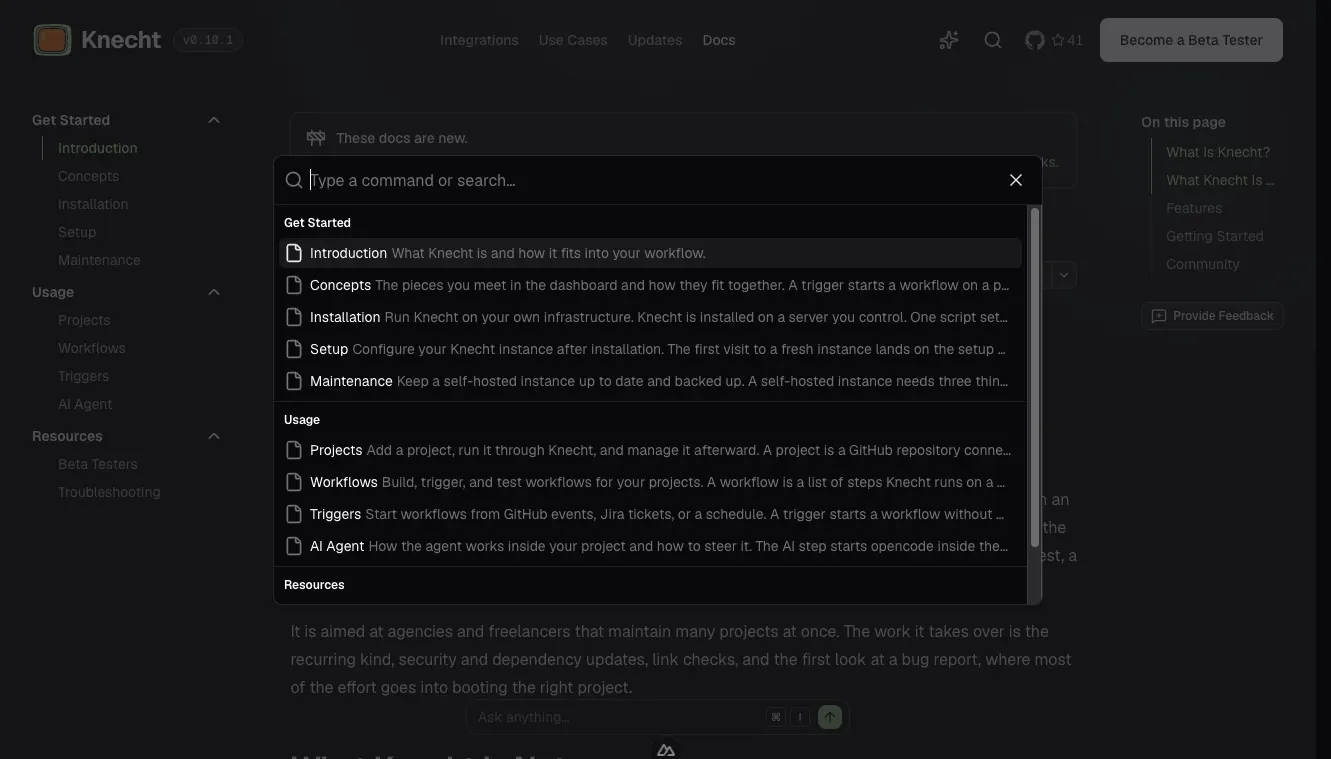
At the top right there is a search, which also opens with K. It searches all docs pages down to the section level, so a hit jumps straight to the matching heading.
Ask Knecht
Next to the search there is the button "Ask Knecht", which also answers to I. It opens a chat window where you ask questions in full sentences, in German or English. The assistant answers from the content of the website, that is the docs and these updates, and links the page where the answer is. What is not on the website, it does not know, and it says so.
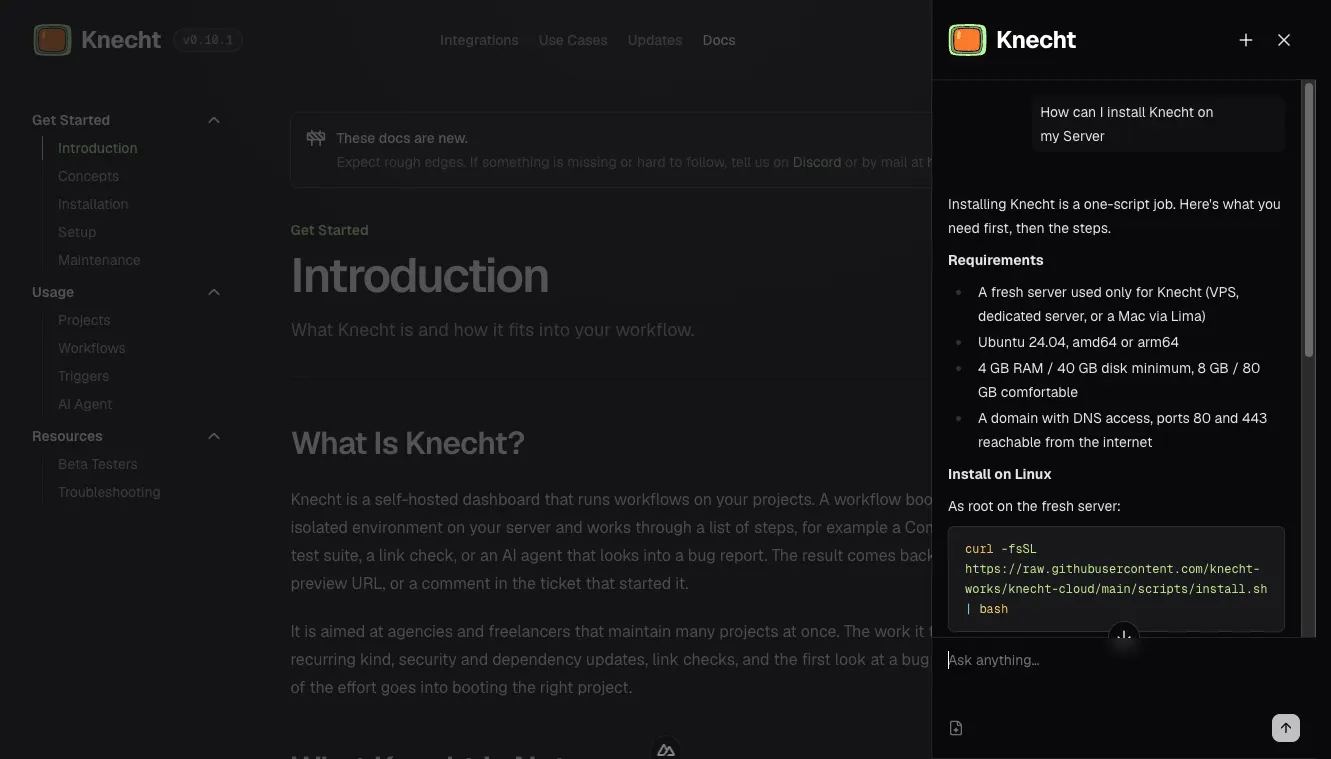
If you open the window on a docs page, the assistant gets that page as context and prefers it when answering. This can be switched off in the window. Behind it runs a Claude model that receives the complete content of the website with every question. Knecht does not store the chats.
Docs as Markdown
Every docs page is also available as plain Markdown. The button "Copy page" at the top of the page copies the text to the clipboard. The menu next to it offers the Markdown link, the raw view, and the option to open the page directly in ChatGPT or Claude. If you set up Knecht with a coding agent, this is how you hand it the right page, without HTML around it.
Feedback per Page
On every docs page you can tell us directly whether it helped and what is missing.
- At the end of every page there is the question "Was this page helpful?" with thumbs up and thumbs down. One click is enough, we see per page how often each answer came in.
- "Provide Feedback" opens a GitHub issue in the website repo, with the page title already in the subject. The repo is public, so a typo can also be fixed directly as a pull request.
Shortcuts
Search and "Ask Knecht" can be used entirely from the keyboard.
Rough Edges
The docs are new, and we wrote them as the people who know Knecht best. What is obvious to us may be missing for exactly those who set it up for the first time. That is why we are most interested in where you got stuck. Which page left a question open, which term is unexplained, which setup did not work as described. Small hints are often the most useful ones.
Discord
For everything that is not an issue, there is now a Discord server. There we answer questions about the setup, discuss workflow ideas, and show what we are building right now. If you try Knecht or plan to, you are welcome there, even without a specific question.